
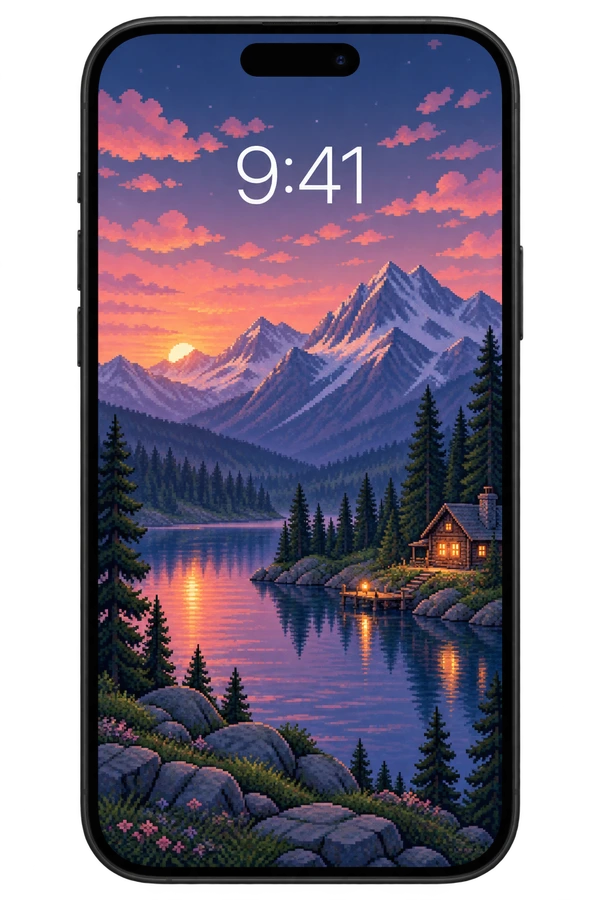
before you start
Find the wallpaper you like on Pikadre Download PNG save with button. If the file is downloaded to the Files application, open the image and select it from the Share menu. Save Image Add to Photos using the option. If the image already appears in Photos, there is no need for this step.
Change wallpaper in 4 steps
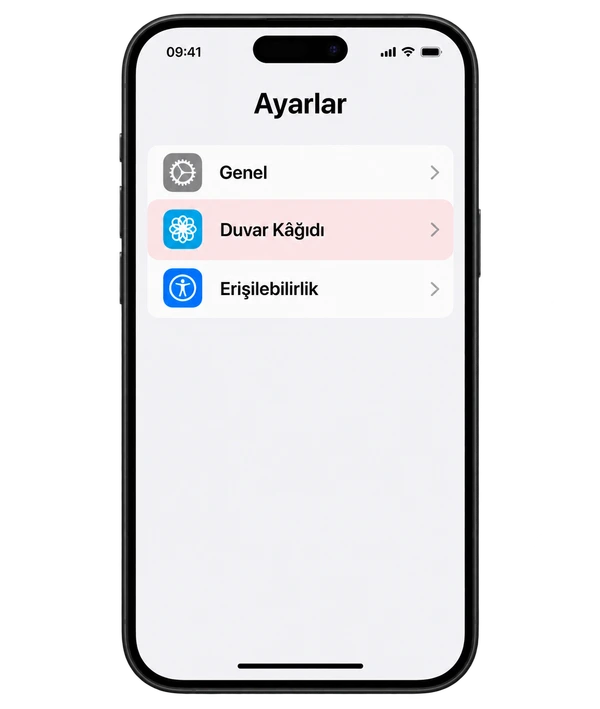
Open settings
On iPhone Settings → Wallpaper follow your path. Tap Add New Wallpaper.
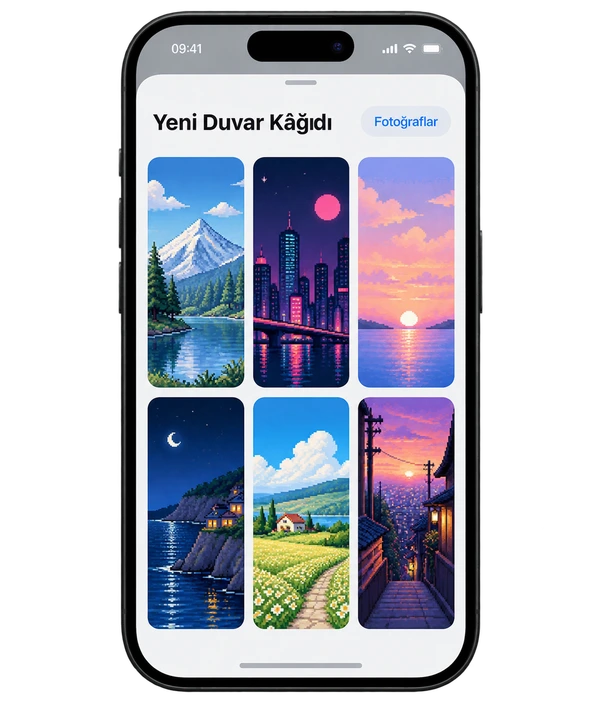
Choose your image
Photos Open the option and select the wallpaper you saved before.
Edit your frame
Place the image by dragging it. Zoom in and out with two fingers; Check the main topic's relationship with time and notifications.
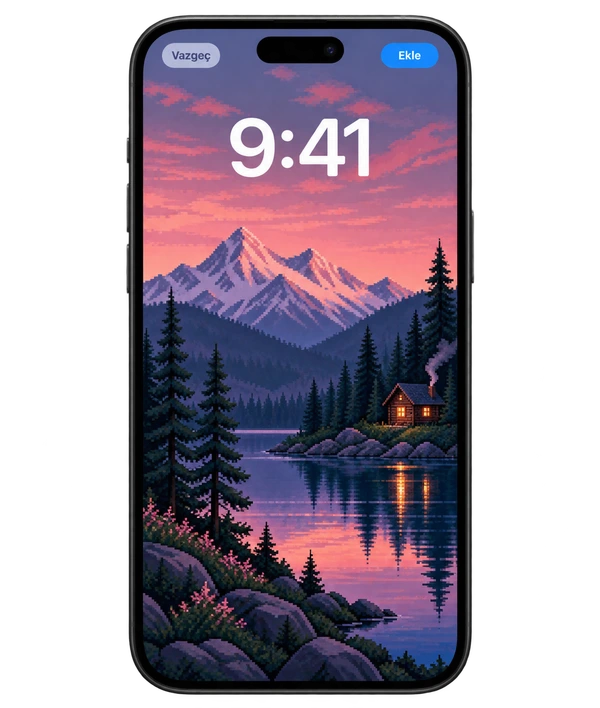
Apply to your screens
Add Tap . For the same image Make Wallpaper Pair; for a different home screen Customize Home Screen use option.
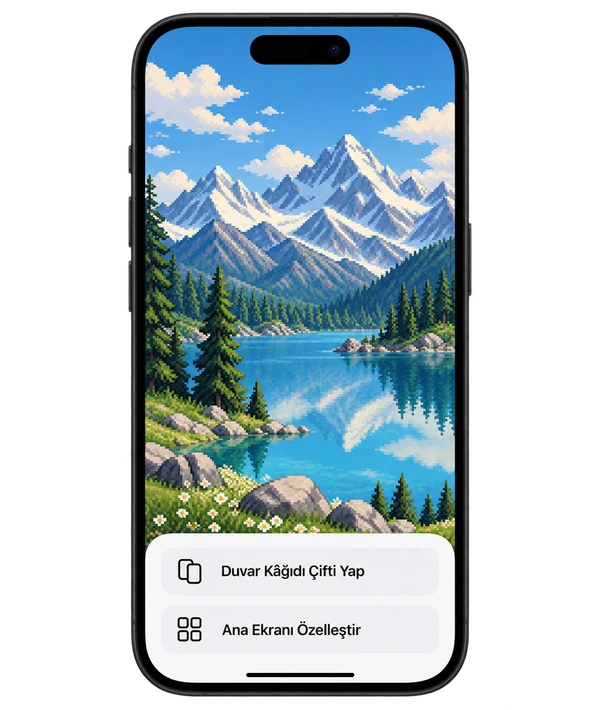
Phone screens are representative images that support the narrative; The interface on your device may look different.
What should you do if the image is cropping?

(can be cropped)
Due to different screen ratios, the edges of some images may be cropped. Check the preview before saving.
- Choose a vertical image.Start with compositions made for the phone.
- Keep the main subject away from the edges.Check that important details remain within the screen.
- Decrease zoom.Remove it as much as possible; Adjust the position of the image instead of stretching it.
Frequently asked questions
Can the lock screen and home screen be different?
Yes. With the Customize Home Screen option, you can choose a different photo or color for the home screen.
The image I downloaded does not appear in Photos.
Check your Downloads folder in the Files app. Open the image and add it to Photos via Share → Save Image.
Why does the image look blurry?
Use the PNG download link instead of saving the preview as a screenshot. Reduce excessive zoom. If only the home screen is blurry, check the Blur option in the Customize Home Screen section.

