
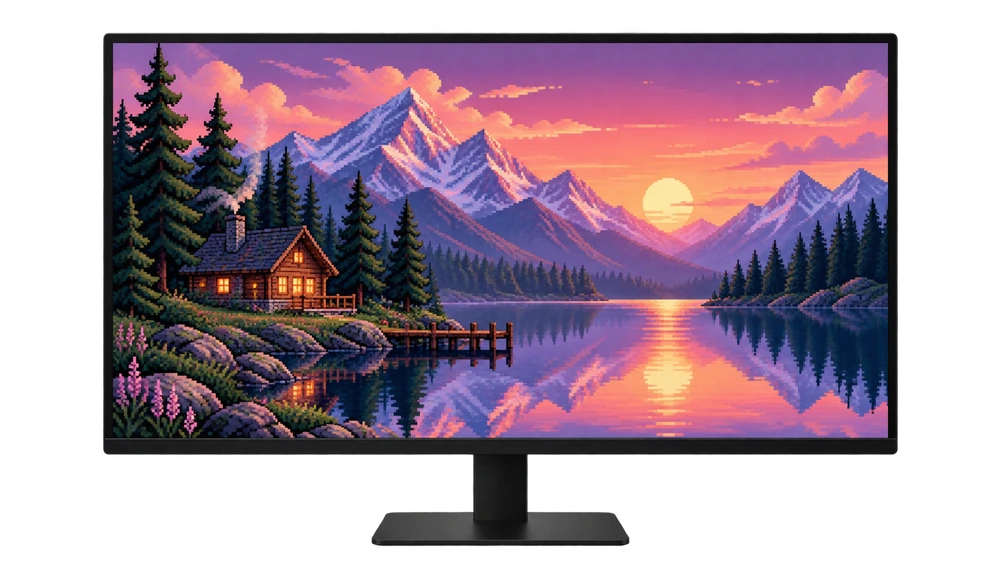
before you start
Cropping, fitting and stretching are not the same thing. Cropping makes the image disappear from the edges; fit can leave space while preserving the entire image; Stretching can distort the proportions of objects. The first choice should be an image prepared with a suitable proportion for the screen.
for computer
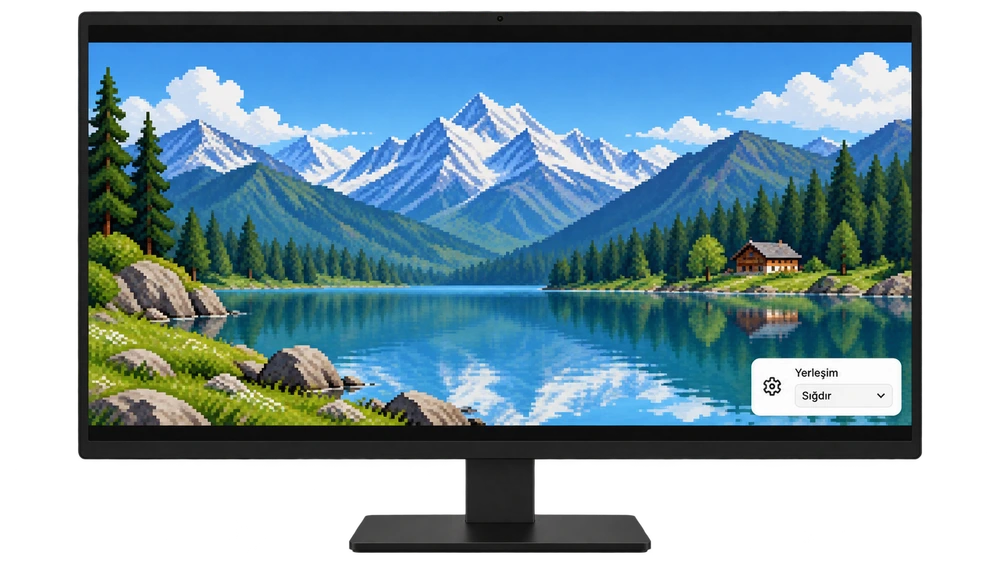
Check your screen resolution first. 1920×1080 and 2560×1440 16:9, use 2560 × 1600 for 16:10 at the rate. In Windows, edit the layout from Settings → Personalization → Background.
for phone
Choose vertical wallpaper. Zoom out and adjust the position of the image in the iPhone or Android preview. Phone screens vary in proportions; A single vertical image may not give the exact same frame on all models.
Protect your frame in 4 steps
Match screen ratio
Choose landscape version for landscape screen, portrait version for phone. Compare the ratio by dividing the image's width by its height; Don't just look at the number of pixels.
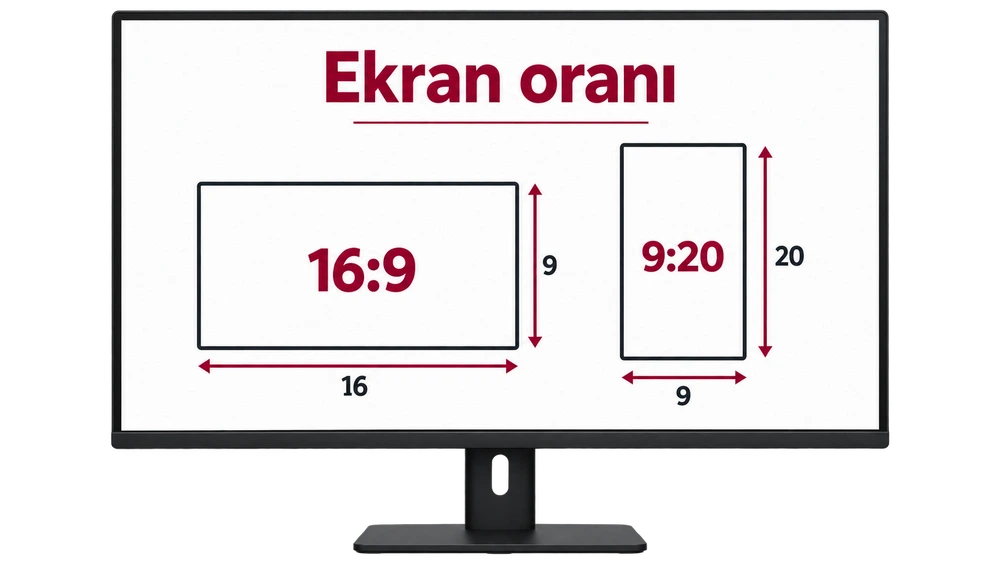
Fit on computer
In Windows background layout fit Try the option. Check out the fit options for images on Mac; names and options may vary by version.
zoom out on phone
In the wallpaper preview, zoom in with two fingers and drag the image to place it. Keep the main subject away from the clock, notifications, and screen edges.
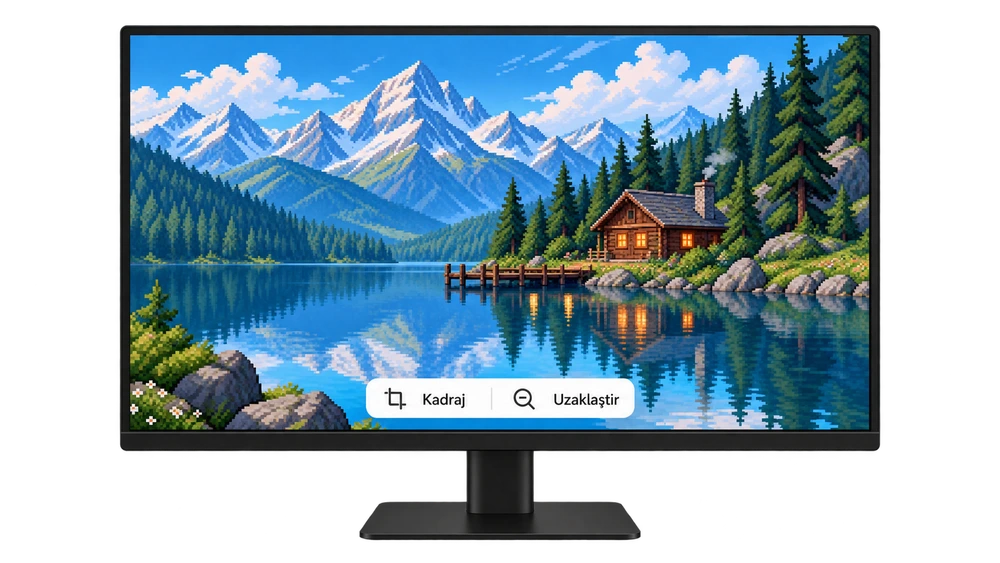
Compare without saving
Decide whether you want to see the entire image or fill the screen without any gaps. It may be necessary to choose between these two goals at different rates; Do not distort the proportions by stretching them.
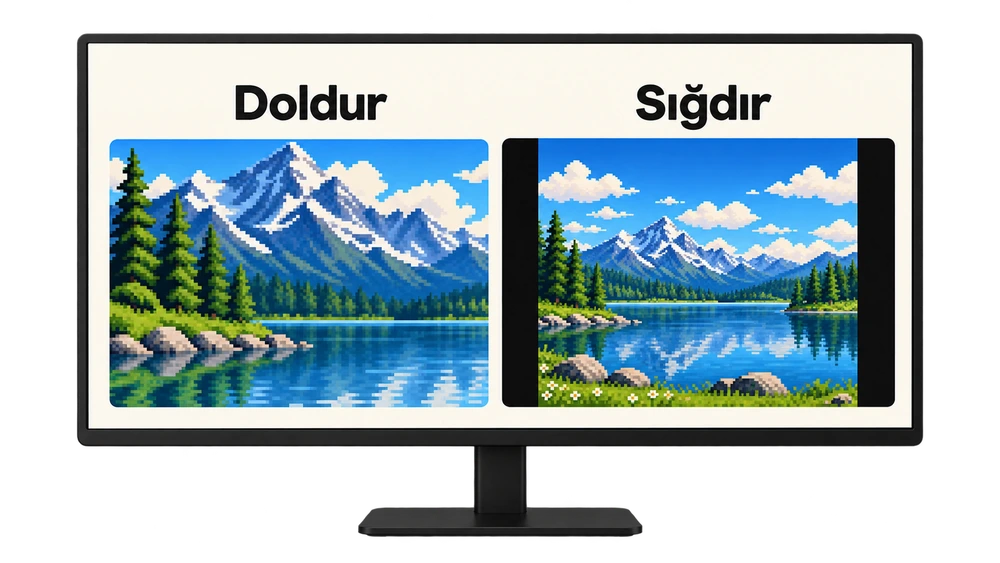
Monitor screens are representative visuals that support the narrative; The interface on the operating system may look different.
Fit, stuff and stretch: what's the difference?
When the ratio of the screen and the image is different, the choice of layout changes the result. In the comparison below, the same image is shown in two frames of the same size.

| Residential | full image | What to watch for |
|---|---|---|
| fit | Preserved | If the ratio is different, gaps may appear at the edges. |
| Fill | croppable | Some edges are left out to fill the screen. |
| Stretch | visible | Width and height may be scaled differently, distorting the image. |
| Center | Depends on size | Large file may be cropped, leaving space around small file. |
Frequently asked questions
Can I use it without any spaces and cropping?
This may be possible if the ratio of the screen and the image matches and no additional zoom is applied. If the ratio is different, a choice of spacing, clipping, or ratio distortion occurs.
Why does the phone automatically zoom in on the image?
Filling screen behavior, screen ratio and some wallpaper effects can change the frame. Try zooming out in preview; Check the relevant zoom or gesture setting, if applicable. Menu names vary by model.
Does higher resolution prevent clipping?
It does not prevent it alone. Resolution is about the amount of detail, while cropping is mostly about aspect ratio and placement. A larger file of the same ratio may also be cropped in the wrong layout.
Will the original PNG be corrupted if I edit the file?
Keep the original and edit on a separate copy. Simply changing the background location in the system does not change the pixel data of the source file.
Sources Microsoft — desktop background · Apple — iPhone wallpaper · Google Pixel Help

