
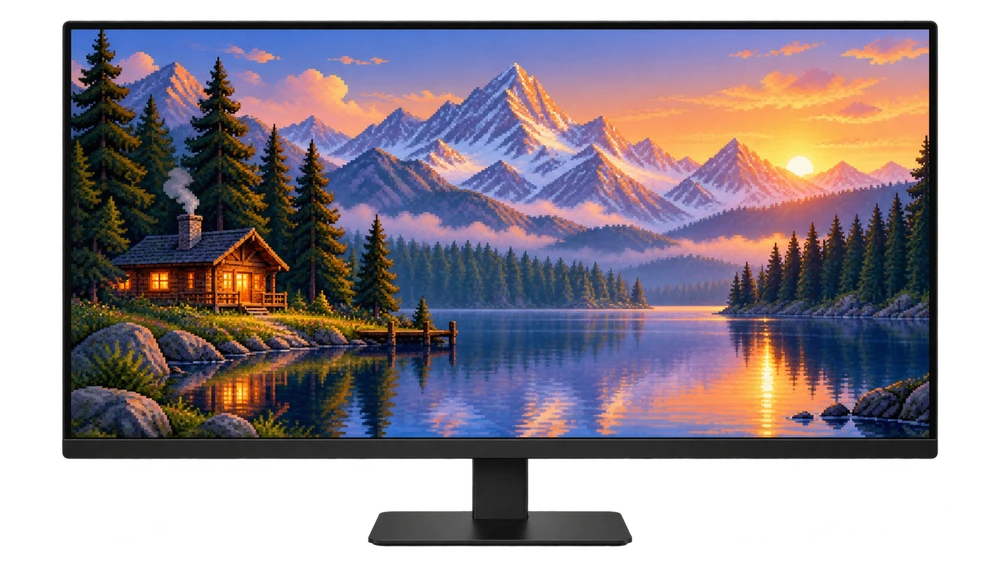
before you start
Two dimensions are important in wallpaper: pixel resolution ve aspect ratio. For example, 1920 × 1080 and 2560 × 1440 files are different resolutions, but they are both in the 16:9 ratio. Two monitors of the same inch size may have different resolutions.
Windows
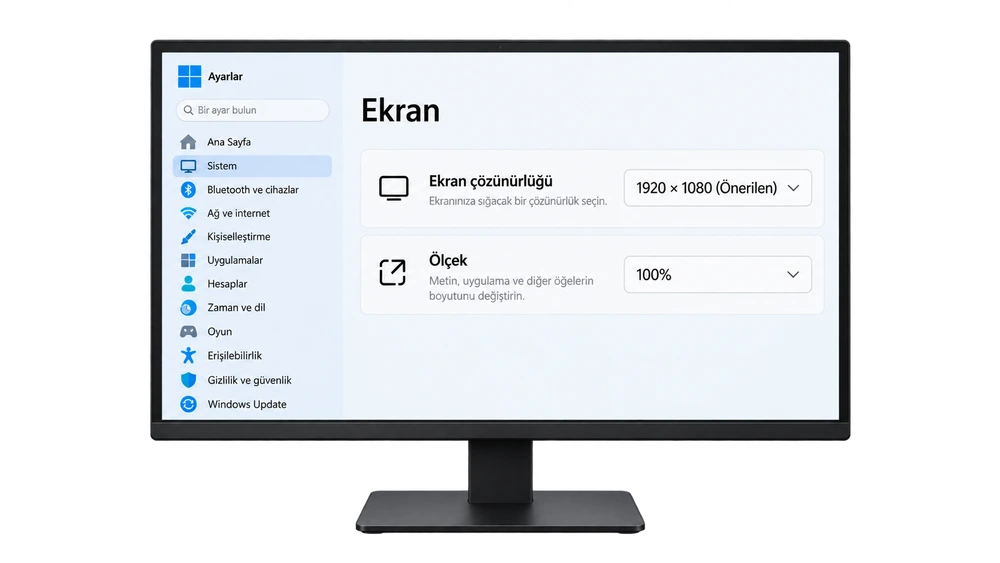
Settings → System → Display Select the relevant monitor in the section. Check the recommended value in the Screen resolution row. You do not need to lower the screen resolution for the wallpaper.
Mac
Apple menu → System Settings → Displays Select your screen from the section. On Retina displays, text scaling and the physical pixel size of the panel are different; Verify native resolution in your model's specifications if necessary.
Choose the right size in 4 steps
Find out your resolution
Check your monitor's recommended or native resolution in display settings. If you have more than one monitor, evaluate each separately.
Match aspect ratio
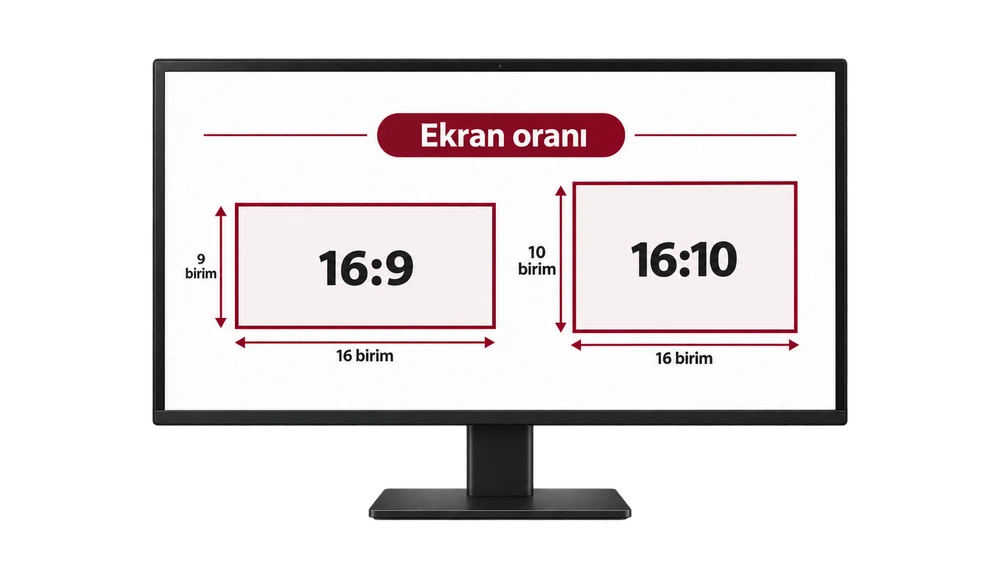
For 1920×1080 and 2560×1440 16:9; for 2560×1600 16:10 choose The same ratio reduces the need for trimming at the edges.
Download the correct file
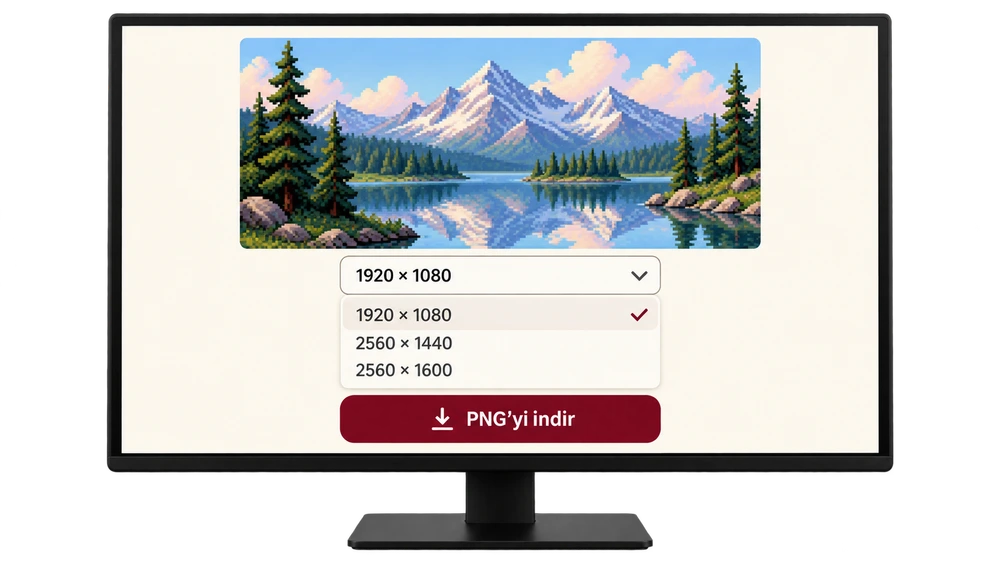
In Picadre, select the appropriate option from the measurement list below the image, then Download PNG Click the button. Using a screenshot of the preview.
Check placement
Set the image as background. To see all, use an option like Fit; Filling the screen may crop edges to some extent. Stretching may distort the image.
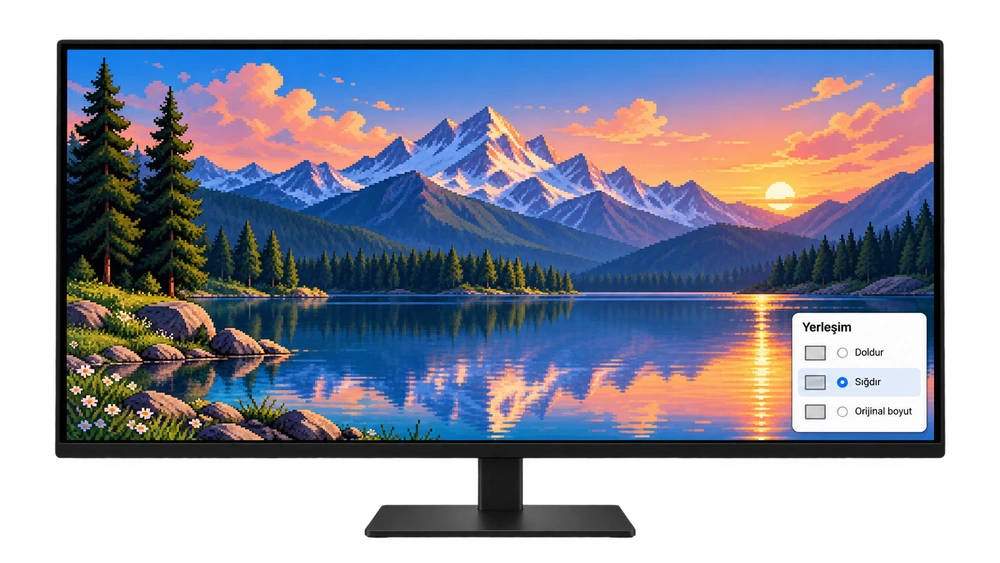
Monitor screens are representative visuals that support the narrative; The interface on the operating system may look different.
What size fits your screen?
The table below compares common screen sizes. in Picadre 1920 × 1080, 2560 × 1440 ve 2560 × 1600 There are computer collections that offer options; Also check the download list of each image.
| Screen resolution | Aspect ratio | selection note |
|---|---|---|
| 1920 × 1080 · Full HD | 16:9 | File of the same size matches directly. |
| 2560 × 1440 · QHD | 16:9 | Choose the 2560 × 1440 option. |
| 2560 × 1600 | 16:10 | select 16:10 version; With 16:9 the ratio is different. |
| 3840 × 2160 · 4K UHD | 16:9 | The ideal match is a 3840 × 2160 file; the smaller file is enlarged. |
| 3440 × 1440 · Ultra wide | 43:18 ≈ 2,39:1 | Commonly in the 21:9 class; The standard 16:9 image does not match exactly. |
Frequently asked questions
Can I use a 1920 × 1080 image on a 2560 × 1440 screen?
Yes. Their proportions are the same; may fill the screen, but the file will be enlarged. It might actually give better results if you have a more detailed 2560×1440 source.
What is the difference between 16:9 and 16:10?
16:10 screen is taller with the same width. For example, 2560 × 1600 is 160 pixels taller than 2560 × 1440. Incorrect ratio may create clipping or whitespace.
Why does the wallpaper look blurry?
Enlarging a small file or using a compressed preview can cause this. Use the original PNG download, check the file size and the recommended resolution of your screen.
Can I use one image for two monitors?
It is easier to assign separate visuals to each monitor. If you're going to spread a single image across two screens, consider the total desktop size, the layout of the screens, and the operating system's spreading option.
Sources Microsoft — screen resolution · Apple—Mac screen resolution


