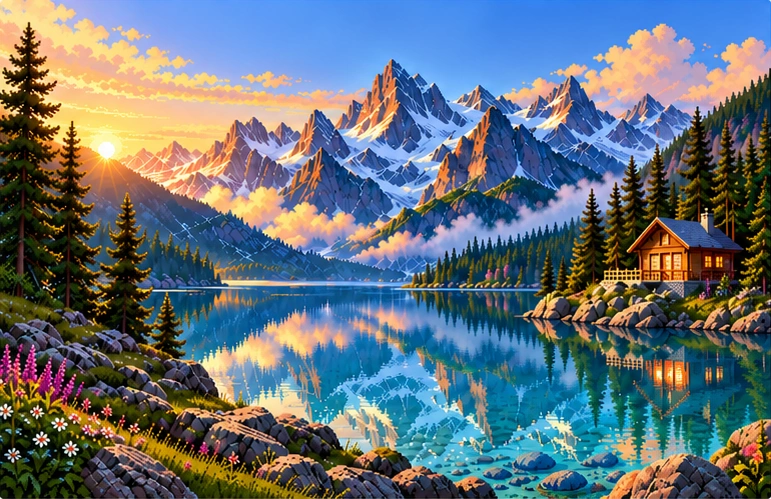
Quiet Nature
Bring a quiet landscape to your screen.
Explore collection : Quiet Nature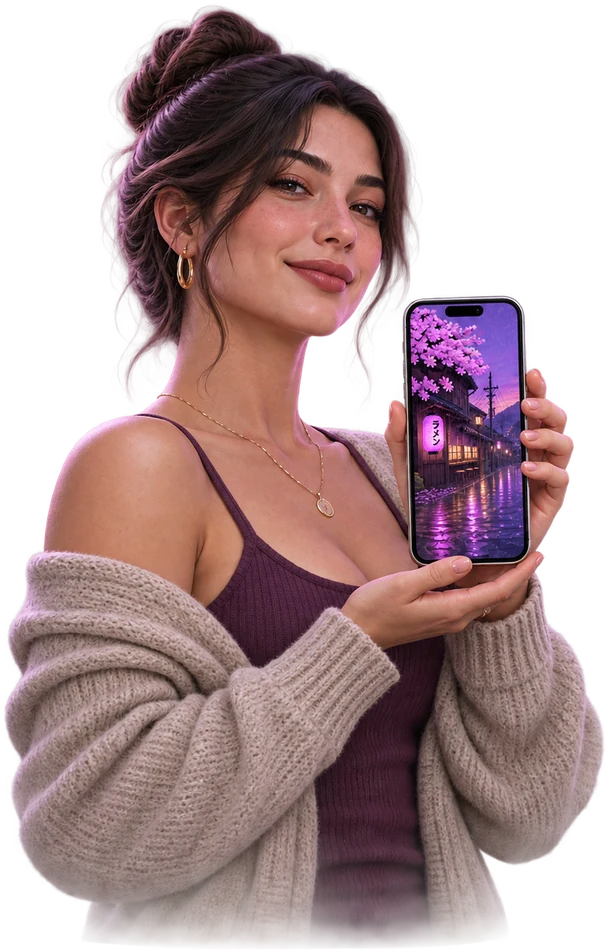
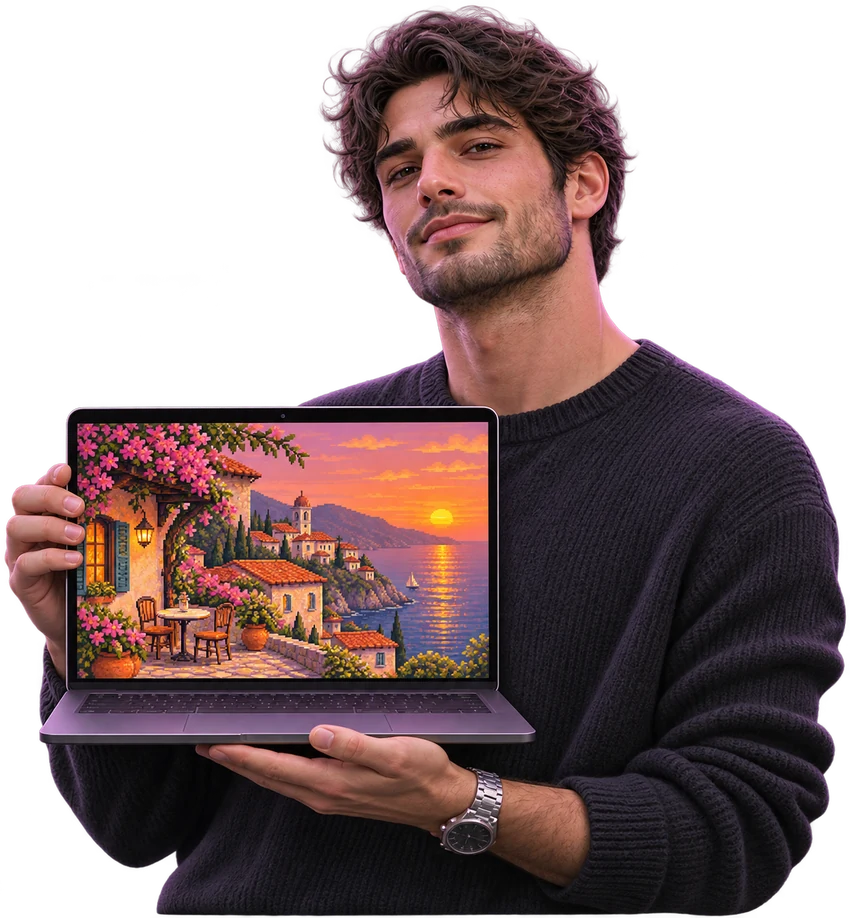

Curated wallpaper collections for your desktop and phone.
High-resolution pixel art wallpapers for your desktop and phone.
No wallpapers match your selection.
DESKTOP & PHONE
The pixel art you love,
framed for your screen.
Wide landscapes,
balanced detail.
Portrait layouts,
carefully composed.
 LandscapePortrait
FIND YOUR STYLE
Quiet landscapes, vibrant cities and soft colors.
Find a look you’ll love seeing every day.
Bring a quiet landscape to your screen.
Explore collection : Quiet Nature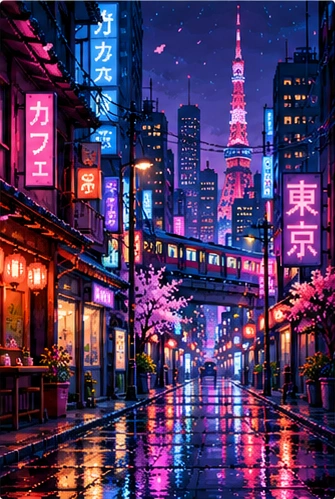
Explore the colors that light up the night.
Explore collection : City Lights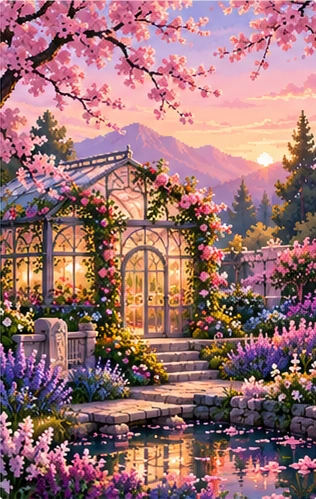
Refresh your screen with soft colors.
Explore collection : Soft PastelsHOW IT WORKS
Find a design you love, preview it on your screen and download it.

Find a pixel art design you love.
See how it looks on desktop and phone.
Save the wallpaper to your device.
NEED HELP?
From downloading a wallpaper to setting it on your screen.
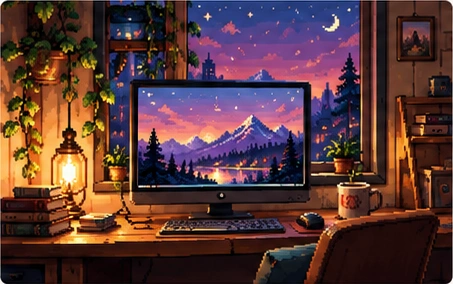
Open the image you like and select Download. Save the file to your device and set it as your wallpaper.
Browse the landscape images under Desktop. Compare the dimensions in the preview with your display resolution and aspect ratio. A similar ratio helps preserve the composition.
Open the downloaded image in Photos or Gallery. Look for the wallpaper option in the share or options menu, then choose your home or lock screen. Menu names vary by device.
Choose an image with an aspect ratio close to your screen. Use Fit if available and reduce zoom. Fill may crop the edges when the ratios differ.
Wallpapers are available as PNG files. The preview shows the exact pixel dimensions before you download.
Check the terms for personal use, sharing and commercial use before downloading. If the usage terms are unclear, do not assume you have permission to use the image commercially or redistribute it.